
From one phone video to your next breakthrough on the ice
Film a jump or spin and upload it. In seconds you see what happened, the one thing to fix first and the drills for it. Mila, your AI coach, answers any question about your breakdown.
Free: 2 video breakdowns and 20 messages to Mila. The first breakdown needs no sign-up.
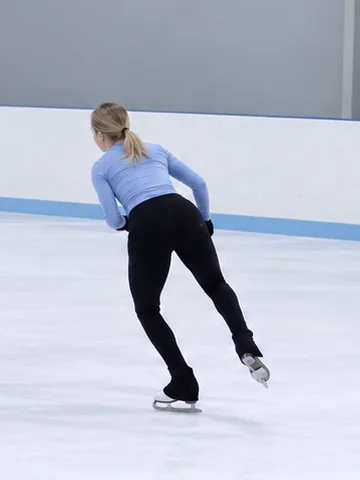
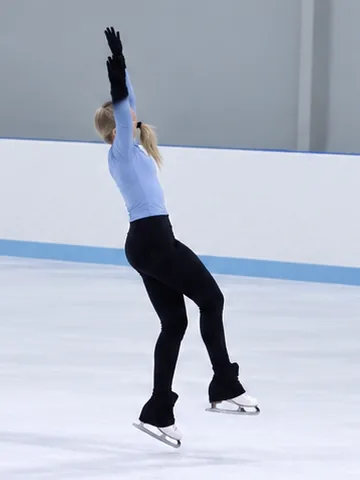
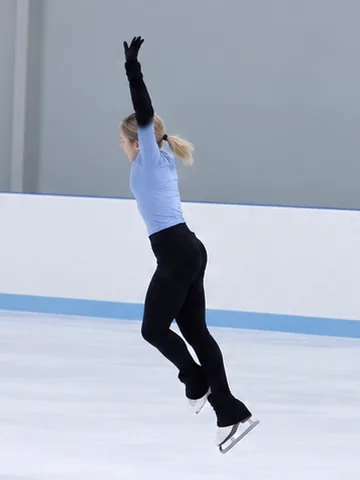
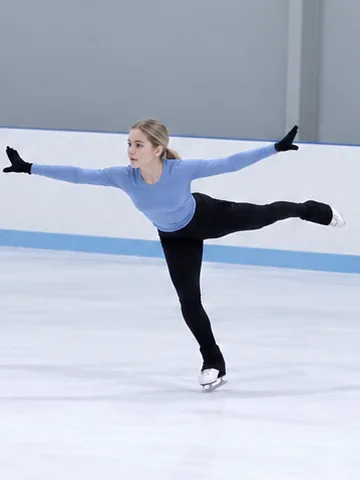
Four simple steps
- 1
Film one element
One jump or one spin, about 10 seconds: start 2 seconds before it and stop 2 seconds after. Any phone works.
How to film it - 2
Upload it and say what it is
Choose the video and tap Jump, Spin or Not sure. MP4 or MOV, up to 30 seconds. Nothing to install, and no sign-up for your first breakdown.
- 3
We measure it
We find the skater, follow the body in every frame and measure the element. You can switch tabs while you wait.
- 4
Get your breakdown, then ask
The element and its rotations, a mark out of 10 and the landing, the main thing to fix and the exercises that fit it best. Mila answers any question about this video.
How to film for the best breakdown
These habits make the biggest difference.
Do
- Do
Whole body, big enough
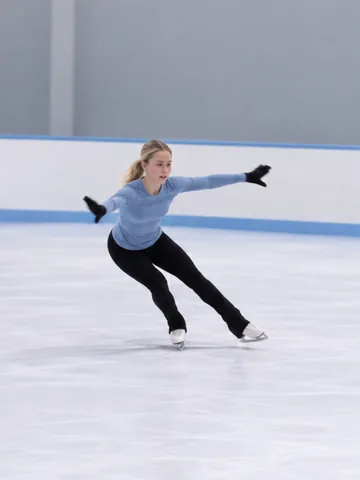
The skater fills at least a fifth of the picture height, with space around them from the entry to the landing.
- Do
From the side
Stand at the boards, level with the take-off: the body shows best. For a flip or Lutz, film in line with the take-off, from in front or behind: it helps tell the two apart.
- Do
2 seconds before and after
Start before the entry and keep filming until the landing glide ends. One element per video, up to 30 seconds.
- Do
Steady, normal speed
Hold the phone steady; turning it to follow the skater is fine. Film at normal speed, not slow motion.
Avoid
- Avoid
Too small, too far
From the stands the skater is only a few pixels tall. Zoom in or move closer before you start.
- Avoid
Cut off at the edge
Feet or arms leave the picture during the jump. Step back or zoom out.
- Avoid
Someone else in front
A skater passing close to the phone can be followed instead. Wait until the ice near you is clear.
- Avoid
Copies and slowed-down video
A video sent through a messenger or slowed down in an app loses detail. Upload the original from your gallery (trimming it there is fine).
Tip: ask someone to film, so the skater can think only about the jump.
Got a video like this?
Free: 2 video breakdowns and 20 messages to Mila. The first breakdown needs no sign-up.
What happens while you wait
Every step is a measurement, not a guess.
Finding the skater
We find the skater and follow them through the whole clip.
Following the body
Points on the face, neck, shoulders, elbows, wrists, hips, knees, ankles, heels and toes, in every frame.
Removing the phone’s movement
If the phone turned or zoomed, we take that out, so only the skater’s movement counts.
Finding take-off and landing
The moment the blade leaves the ice and the moment it comes back.
Counting the rotations
How far the body turned in the air, frame by frame.
Recognizing the element
From the entry and the take-off: forward or backward, toe pick or not.
Writing your advice
The AI turns the measurements into plain words.
For a spin we find the spin, read the positions and count the revolutions.
- a mark out of 10, with the checks behind it
- 10
- at most: one jump or spin per video
- 30 s
What you get
A sample breakdown. Yours shows your own video with the same parts.
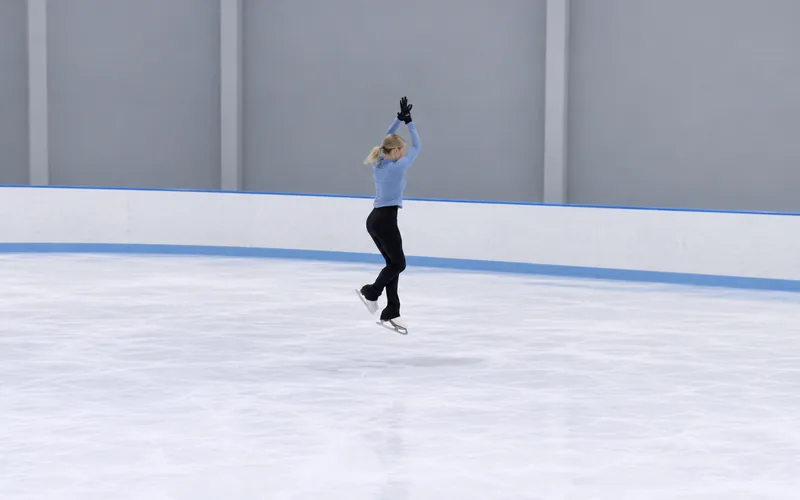
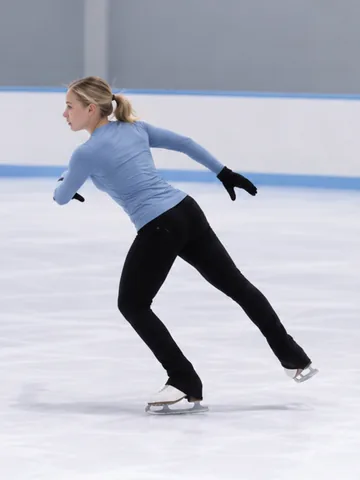
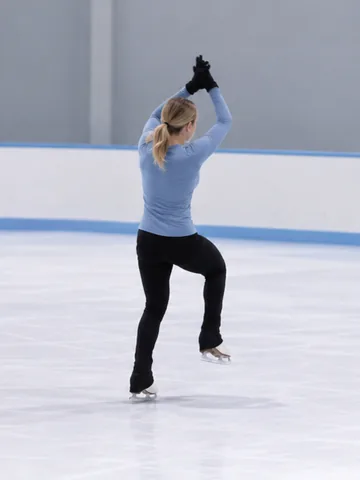
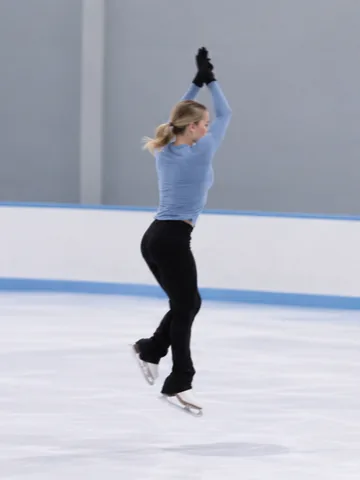
- The element, its code, our mark out of 10 and the landing
- The checks part by part, with the points each one gave
- What to work on next: the one thing to change, or the next jump once this one works
- Your video and its key frames: tap one to jump to that moment
- The drills that fit it best, with sets and reps
- Ask Mila about this exact video
Your video stays yours
- We use it only for your breakdown and your chat with Mila. It is never posted anywhere or sold.
- The AI that writes the advice gets the measurements and your words, not the video.
Questions
How long does it take?
Do I need a special camera or app?
Can I upload a whole program?
Is it free?
What happens to my video?
Still have a question? Write to us: info@skateassistant.ai
Try it on your own video
Film one jump or spin and get your breakdown.
Free: 2 video breakdowns and 20 messages to Mila. The first breakdown needs no sign-up.