
Know what happened, what to fix and how to practice it
Every breakdown measures your video, picks the one thing that matters most and gives you exercises for it. Mila is there for every question after.
Free: 2 video breakdowns and 20 messages to Mila. The first breakdown needs no sign-up.
A figure skating app in your browser
Skate Assistant works in the browser of any phone, tablet or computer, with nothing to download from an app store. To open it like an app, add it to your home screen:
iPhone and iPad
In Safari, tap Share, then “Add to Home Screen”.
Android
In Chrome, tap the ⋮ menu, then “Add to Home screen” or “Install app”.
Computer
Open skateassistant.ai in any browser: nothing to install.
See what really happened
Measured from your video, frame by frame, not judged by eye.
The element and its code
Which of 6 jumps or which spin it was, with the code coaches use, like 2S or CCoSp.
Rotations
Jump rotations from single to quad, and spin revolutions for each position.
A mark out of 10
For a jump, with the checks behind it: arms and body line in the air, the landing, the exit.
Landing
Landed, fall or hand on the ice.
Phases and key frames
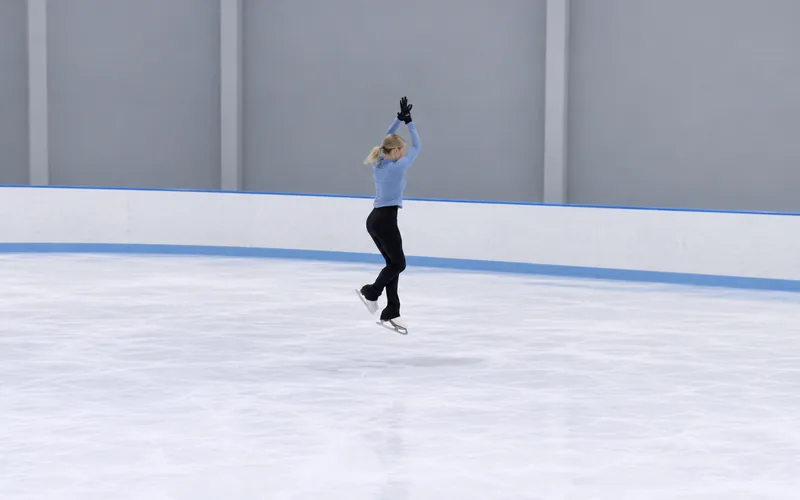
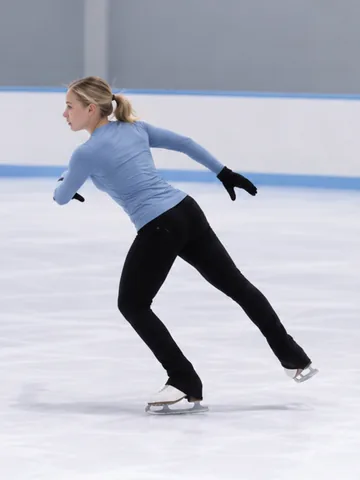
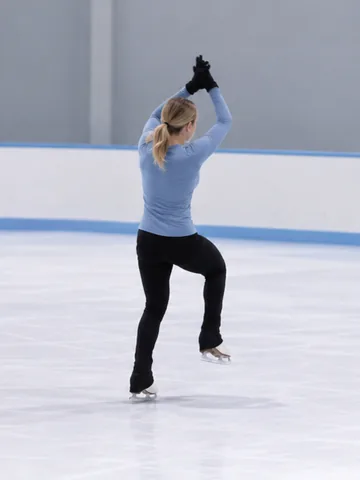
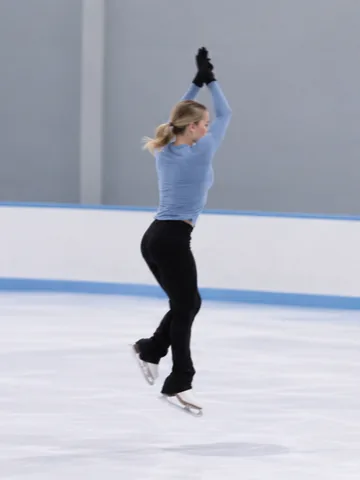
Approach, take-off, flight, landing and exit marked on your video. Tap one to jump there.
Slow motion and frame steps
Watch at 0.25× to 1× and step one frame at a time.
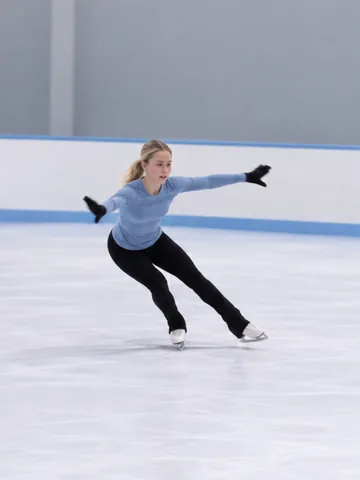
Know the one thing to fix first
Not a list of everything wrong: the root cause in plain words, and what to do about it.
The main thing to fix
What we saw, why it happens and what to change. If a fall came from something in the air, we work on the cause, not the fall.
Exercises that fit
Picked for this fault: off the ice and on the ice, with sets and reps.
Talk it through with Mila
She has seen your breakdown, so she answers about your jump, not jumps in general.
Questions about this video
Where to start, why it happened, what to try next session.
Grounded in the measurements
She answers from your breakdown’s numbers.
A card for your coach
A short summary to show at your next lesson.
A practice plan
Tell her your goal and get a plan built from your breakdowns.
Several videos in one chat
Send more attempts right in the chat to compare them.
Keep it, track it, share it
Your breakdowns in one place, and your progress over time.
My breakdowns
Your breakdowns and chats, kept in this browser.
Account with email sign-in
A 6-digit code instead of a password, and your videos on every device.
Progress over time
Each jump’s history: how often you land it, your air time and whether the same fault comes back.
Share with your coachComing soon
A private link to one breakdown that your coach can open without signing up.
Mila on Telegram
Send a video of a jump or spin in a Telegram chat and get Mila’s answer there, with the same free try. Connect it on your Account page.
Example
Double Salchow · October
- Attempt 1: landed
- Attempt 2: landed
- Attempt 3: fall
- Attempt 4: landed
- Attempt 5: fall
Made for everyone around the skater
Parents
- Understand what happened without knowing the jargon
- Know what to practice at home, off the ice
- Questions to bring to the next lesson
- Your child’s videos stay private: never posted anywhere, and you can delete them any time
Skaters
- Help 24/7 with technique, training and the mental side
- See your rotations, landing and mark, not just how it felt
- One clear thing to work on next session
- Faster progress: there’s always someone to ask
Coaches
- Phases and key frames already marked, no scrubbing
- Exercises with sets and reps to hand out
- Students sharing breakdowns with you Coming soon
- Every mark comes with the checks behind it



Every feature is in the free try: 2 video breakdowns and 20 messages to Mila, with no card.
Questions
Do I need an account?
Does it work on a phone?
Which languages?
Can my coach see my breakdown?
How do I cancel or pause my plan?
Still have a question? Write to us: info@skateassistant.ai
Try it on your own video
Film one jump or spin and get your breakdown.
Free: 2 video breakdowns and 20 messages to Mila. The first breakdown needs no sign-up.